Broken Screen Wallpaper HD1.0.11
Publisher Description
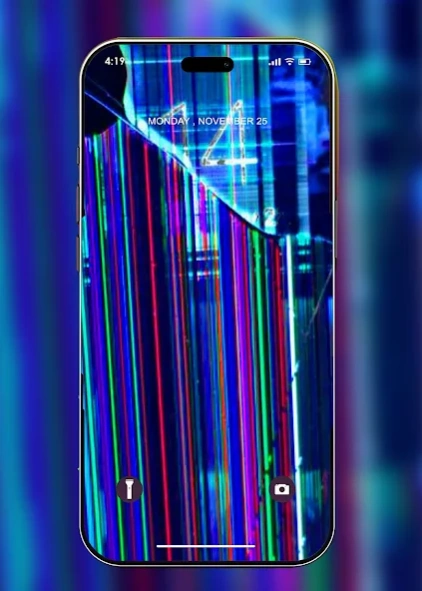

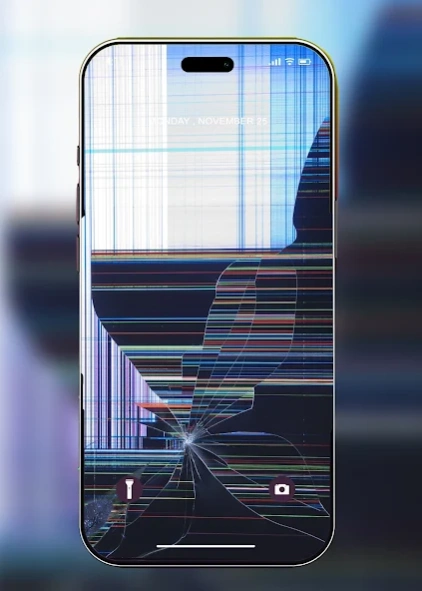
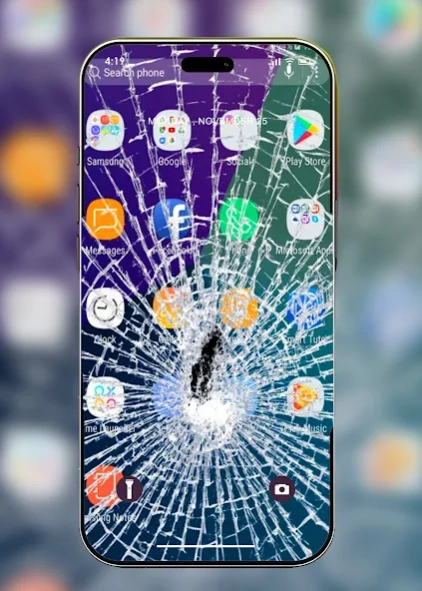
Broken Screen background for your phone in HD
📲Install the trendy Broken Screen Wallpaper for boys girls HD!
this app provides you with Wallpaper with a damaged screen for you to enjoy and prank your family and friends. The wallpapers are of the highest quality Ultra HD and 4k. and they are easy and easy to use.
Prank your friends and have Fun!
Features:
+ 100+ HD & 4k wallpapers
+ Dark Mode
+ Compatible with almost all phones
+ works offline no need for internet
+ You can share the backgrounds with your friends on social media
+ Simple & easy interface
+ Good Performance
get the broken screen prank wallpaper app 2025, and enjoy the high quality and unique wallpapers for free, and make your phone looks beautiful, and Prank Your friends.
📲Enjoy the new and stunning collection that keeps on updating frequently. You can also save the image to your gallery, share it with your friends on Whatsapp, Instagram, Facebook, Twitter or add the image to your favorite list.
😍Find your unique background inspiration. Have A Prank Now!
About Broken Screen Wallpaper HD
The company that develops Broken Screen Wallpaper HD is The Hallows. The latest version released by its developer is 1.0.11. This app was rated by 1 users of our site and has an average rating of 3.5.
To install Broken Screen Wallpaper HD on your Android device, just click the green Continue To App button above to start the installation process. The app is listed on our website since 2025-01-23 and was downloaded 25 times. We have already checked if the download link is safe, however for your own protection we recommend that you scan the downloaded app with your antivirus. Your antivirus may detect the Broken Screen Wallpaper HD as malware as malware if the download link to com.muneerhallows.BrokenScreenwallpaperHD is broken.
How to install Broken Screen Wallpaper HD on your Android device:
- Click on the Continue To App button on our website. This will redirect you to Google Play.
- Once the Broken Screen Wallpaper HD is shown in the Google Play listing of your Android device, you can start its download and installation. Tap on the Install button located below the search bar and to the right of the app icon.
- A pop-up window with the permissions required by Broken Screen Wallpaper HD will be shown. Click on Accept to continue the process.
- Broken Screen Wallpaper HD will be downloaded onto your device, displaying a progress. Once the download completes, the installation will start and you'll get a notification after the installation is finished.
Program Details
System requirements
Download information
Pricing
Version History
version 1.0.11
posted on 2025-01-23
new improvements
bugs fixed
have fun
version 1.0.9
posted on 2024-08-29
version 1.0.8
posted on 2023-12-31
fixed all bugs
added new improvements
